

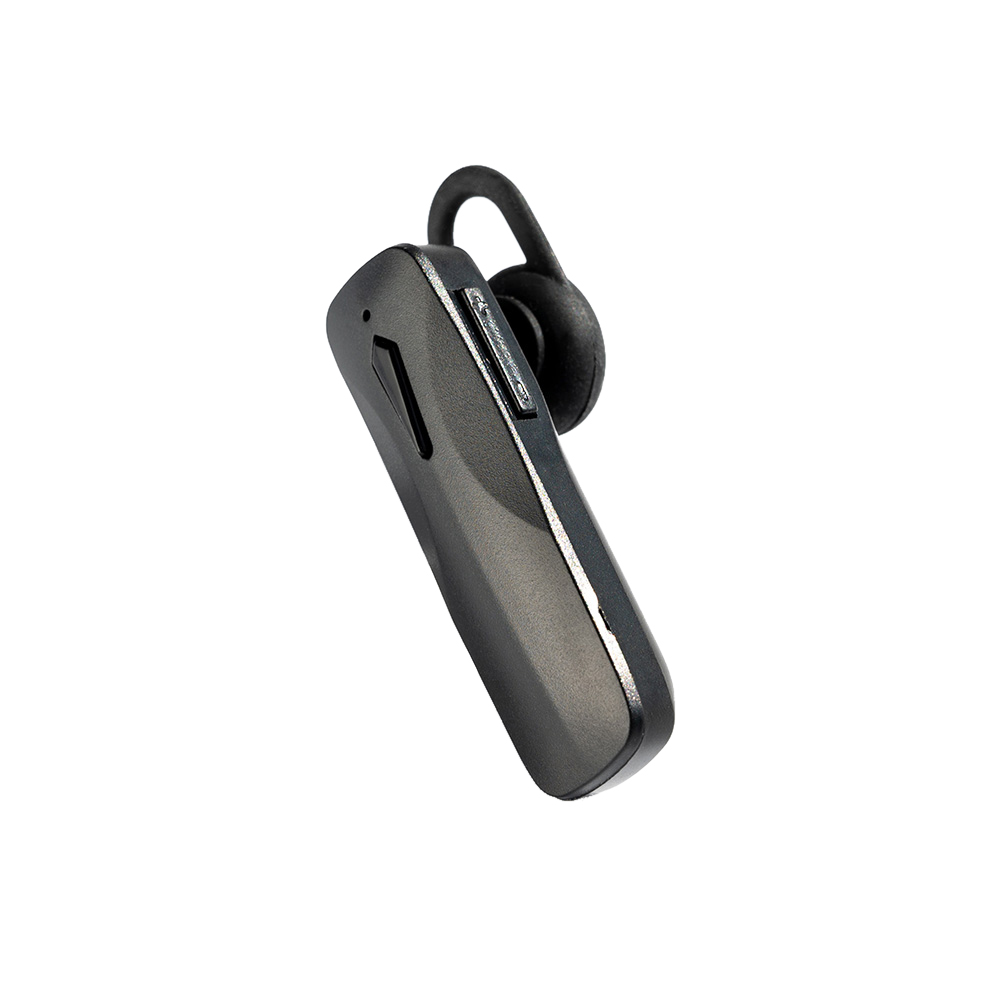
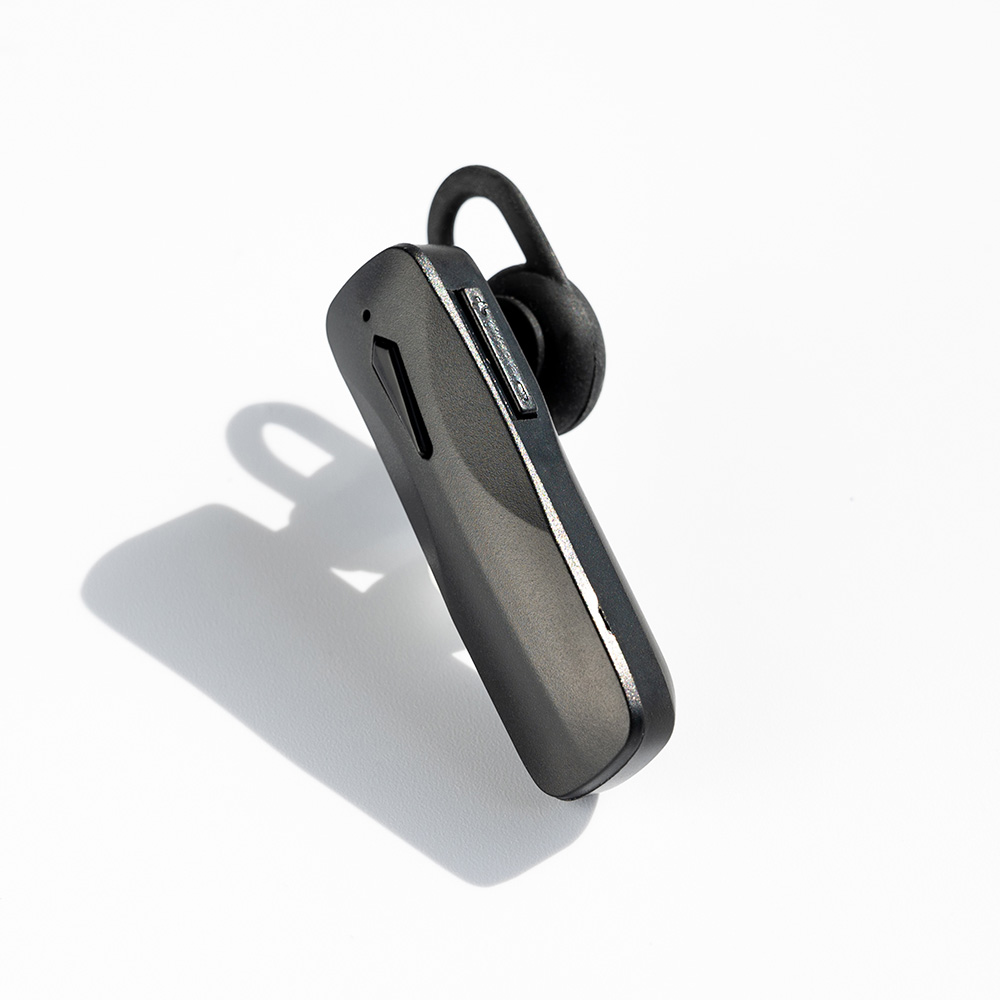






Description
Highlights


Instruction
| Function | Button | Cue | LED |
|---|---|---|---|
| Turn On/Off and Pairing | |||
| Turn On | Press and hold the MFB button for 5 seconds | “Power on” | Blue and red LED flashing alternatively |
| Turn Off | Press and hold the MFB button for 5 seconds | “Power off“ | Red LED flashing 3 times and then turns off |
| Auto Off | Once not connected to any device for 3 minutes, it will turn off automatically | n/a | n/a |
| Pairing | n/a | n/a | Blue and red LED flashing alternatively |
| Connected | n/a | “Connected“ | Once pairing is successful, Blue LED flashing once every 5 seconds |
| Disconnect | n/a | “Disconnected“ | Blue and red LED flashing alternatively |
| Operations (Phone Call) | |||
| Receive / End a call | Press the MFB button once | n/a | n/a |
| Reject call | Press and hold the MFB button for 2 seconds | n/a | n/a |
| Redial | Double click the MFB button to redial the last dialed phone number | n/a | n/a |
| Call waiting | When the user is already on a call and there is another incoming call, the user can take the new call (and keep the original call waiting) by pressing and holding the volume “-” button for 3 seconds. By the same operation, the user can switch between the two calls. The user can end the current call by a short press of the MFB button | Alert tone | n/a |
| Operations (Music Playing) | |||
| Play / Pause the music | Short press the MFB button | n/a | n/a |
| Next track | Long press the Volume “+” button | n/a | n/a |
| Previous track | Long press the Volume “-” button | n/a | n/a |
| Volume up | Short press the Volume “+” button | n/a | n/a |
| Volume down | Short press the Volume “-” button | n/a | n/a |
| Indications | |||
| Charging | n/a | n/a | Red LED on continuously |
| Charging finished | n/a | n/a | Blue LED on continuously |
| Low power | n/a | Alert tone | Red LED flashing |


